
01 —
Let the feeling lead.
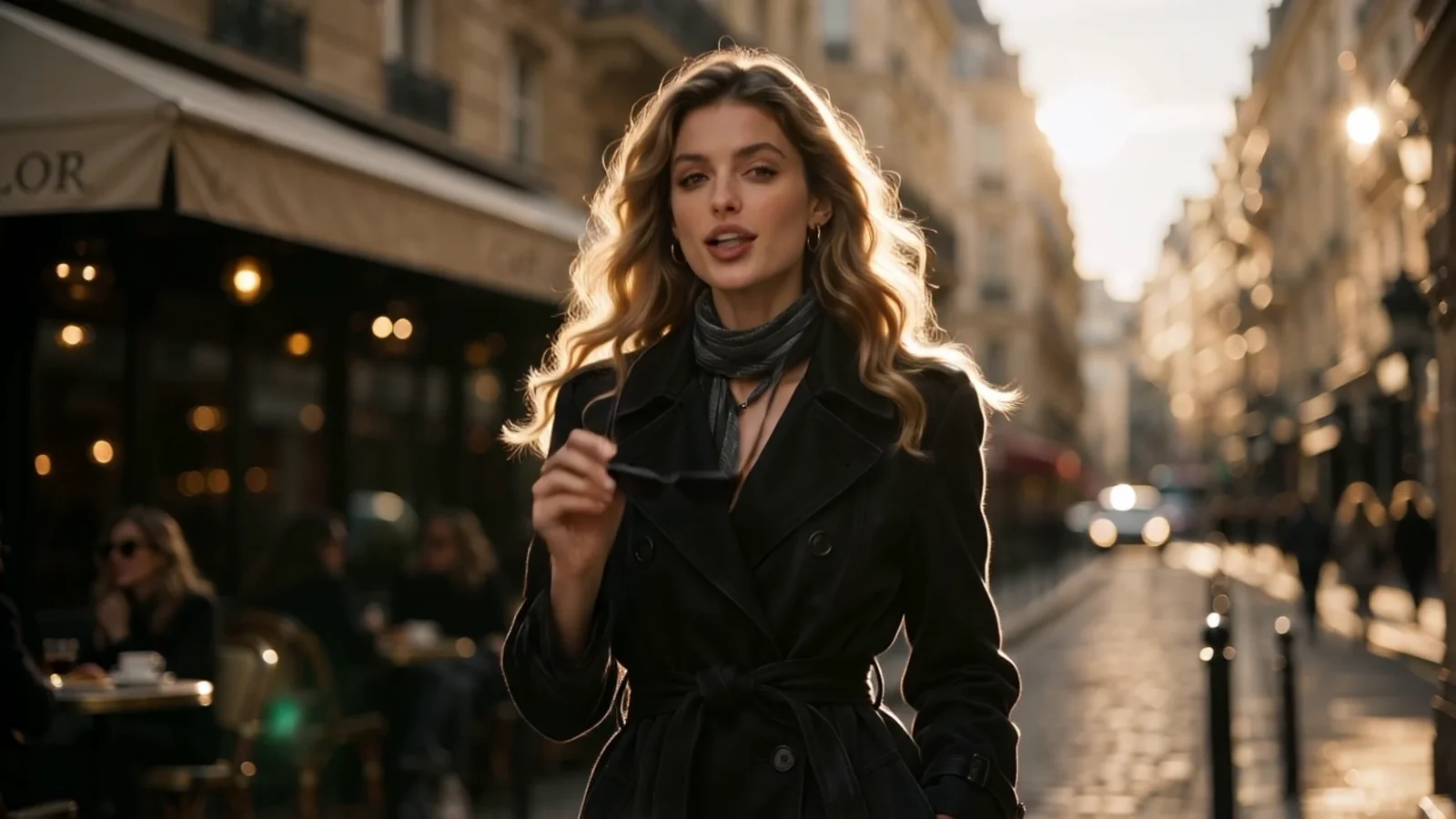
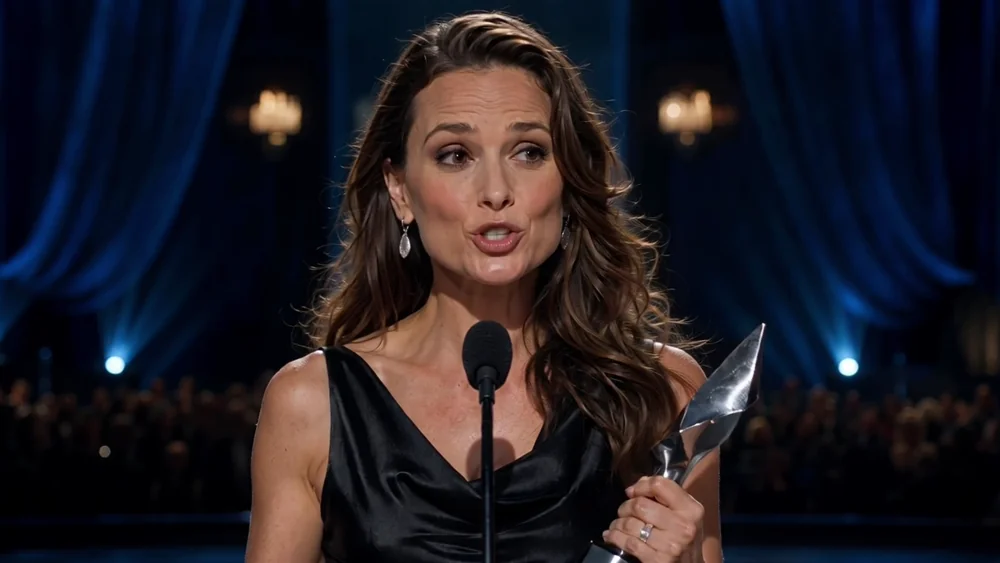
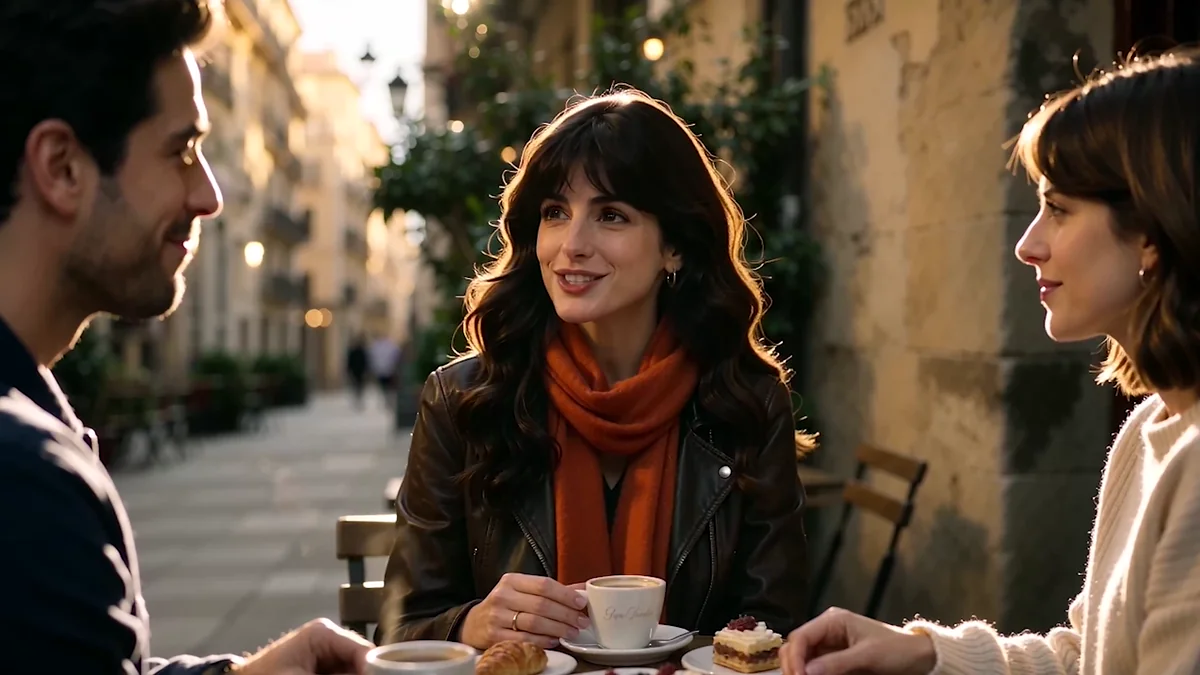
OmniHuman 2.0 draws on audio and visual context to shape facial expression, gestures, and body movement. A spoken line or sung phrase becomes a more expressive performance.
See the performanceAudio-driven. Character-led.
One image sets the scene. Your audio gives it a voice. OmniHuman 2.0 brings the two together with expressive faces, gestures, and movement.
Discover the model. Web generation is being prepared.
Demonstration by BytePlusImage → performance
The model, at a glance
OmniHuman 2.0 is an audio-driven human animation model from ByteDance. It turns a reference image and audio into a video, with optional text direction for the performance.
A visual starting point.
A reference image establishes the character’s appearance, pose, and framing.
A voice with intention.
Speech or singing supplies the vocal performance and rhythm for the animation.
A character in motion.
The output combines facial expression, gesture, and body movement into a video performance.
01 / See the difference
Watch how a voice becomes expression, presence, and movement. Real examples from the model’s official showcase.
A voice carries more than words. See the pauses, glances, and gestures that bring a spoken performance into the frame.
Better with sound
Reference image + spoken audio. A closer look at expression and lip synchronization.
Official BytePlus demonstrations. These examples were not generated on this website.
View the official showcase02 /The performance
Explore the expressions, gestures, and movement that give an audio-driven character a sense of presence.
OmniHuman 2.0 draws on audio and visual context to shape facial expression, gestures, and body movement. A spoken line or sung phrase becomes a more expressive performance.
See the performance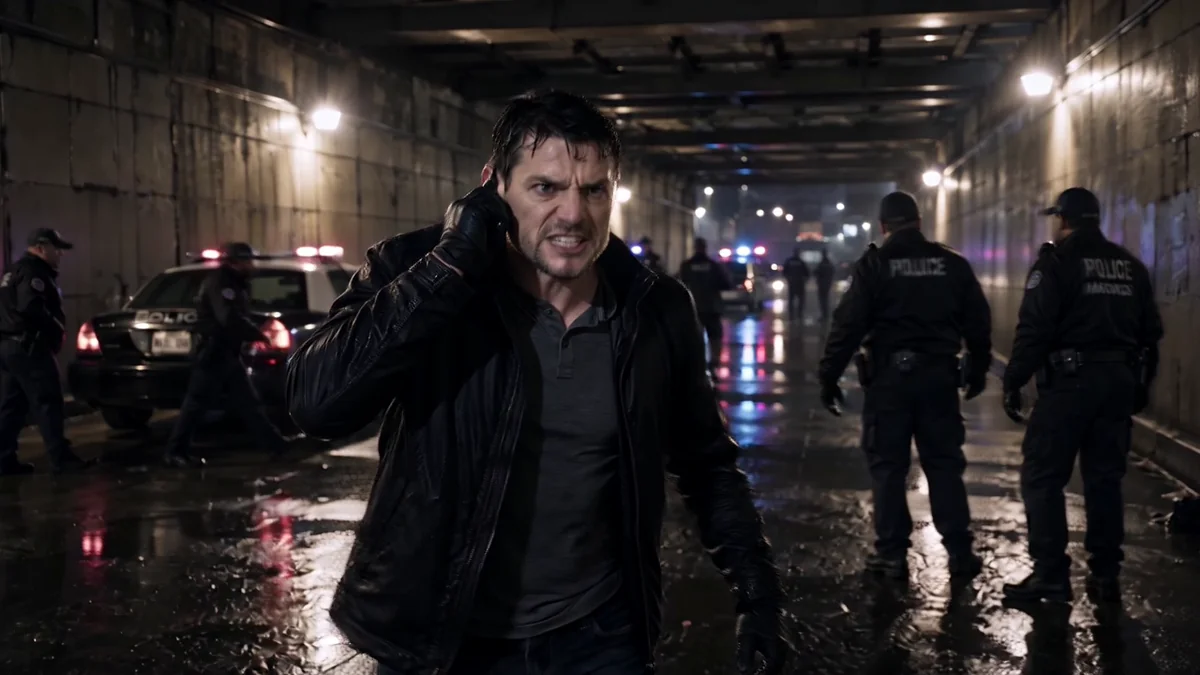
Work with audio from 4 seconds to 5 minutes. An optional text prompt can guide the action, scene, or camera while your reference image establishes the character.
Explore the examplesModel specifications: BytePlus overviewTechnical documentation
03 /How it works
One image and an audio track are the starting point. Add text direction to shape the action, scene, or camera.
Start with a clear image you have permission to use. Consider the framing, pose, and personality you want on screen.
Choose spoken or sung audio. Add an optional prompt for the action, scene, or camera direction.
The model combines the inputs into a video performance. Explore the examples to see expression and movement in context.
04 /Creative possibilities
A new way to think about the people, voices, and characters in your next creative project.
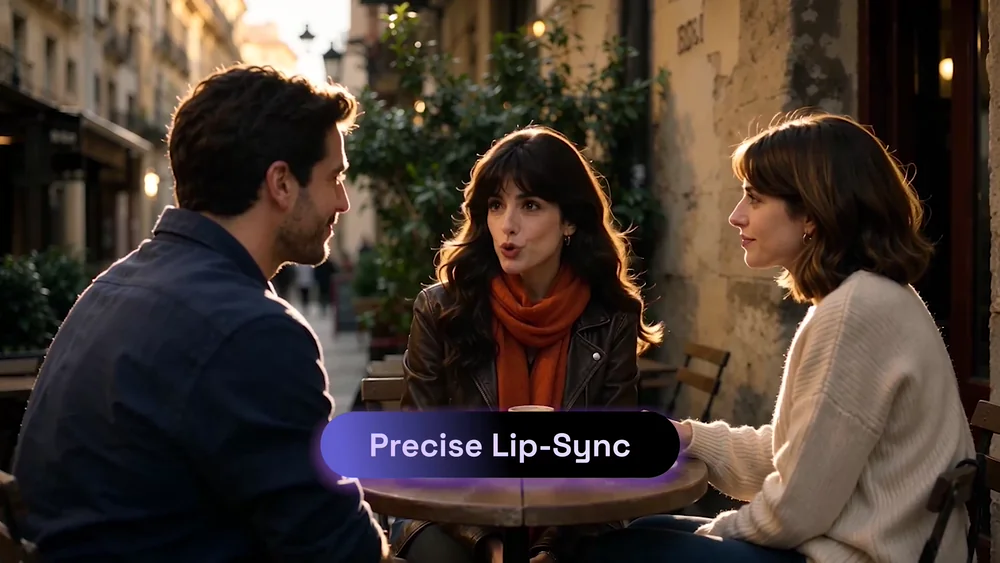 Speak & explain
Explore character-led explanations, educational stories, and dialogue that give a voice a visible presence.
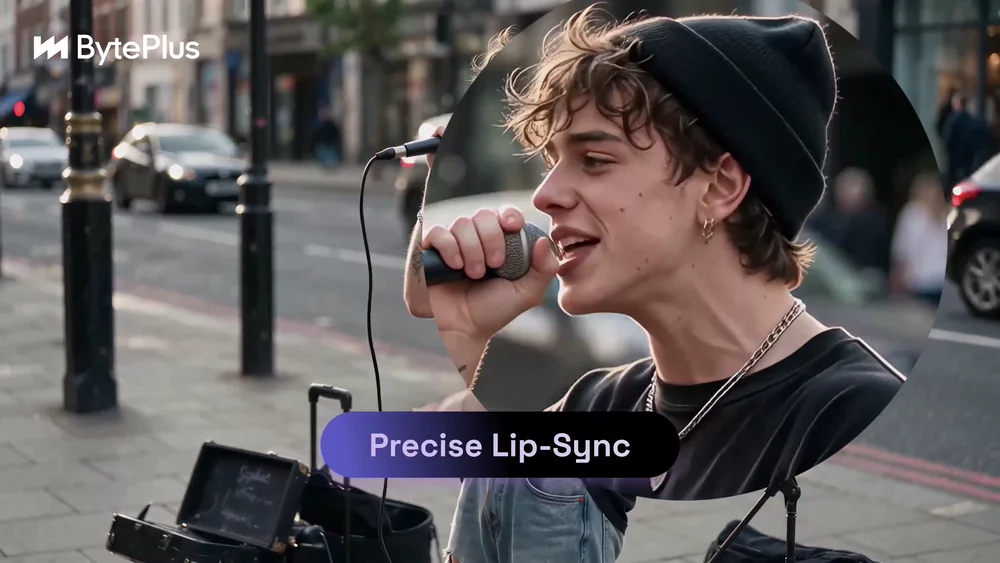 Sing & perform
Imagine vocal performances where the character’s expression and movement follow the feeling of a song.
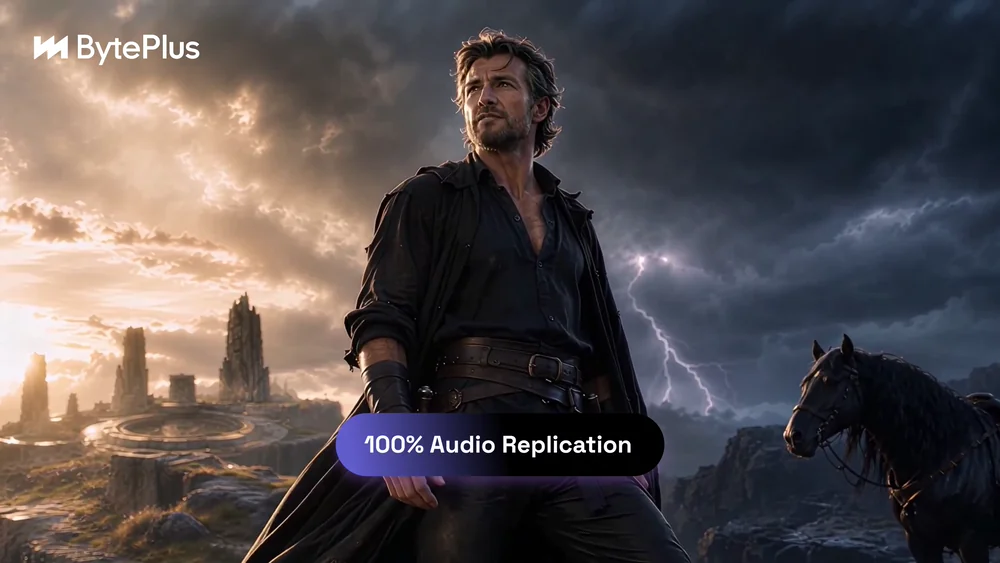 Imagine & tell
Develop narrative concepts, fictional scenes, and expressive characters from a visual starting point.
05 /A little more context
Get to know the model, the terminology, and the possibilities before you go further.
OmniHuman 2.0 is an audio-driven human animation model developed by ByteDance. It creates video performances from a reference image and audio, combining facial expression, gestures, and body movement. An optional text prompt can provide further direction.
People search for this model using several spellings, including Omni Human 2.0, OmniHuman 2, Omni Human 2, and Omni-Human-2.0. The model discussed on this page is OmniHuman 2.0.
The model takes one reference image and an audio track. You can also supply an optional text prompt to guide the action, scene, or camera. BytePlus documents audio lengths from 4 seconds to 300 seconds and 720p video output.
Yes. Official examples include both spoken and sung audio. The model uses audio and visual context to produce expressions and movement appropriate to the performance.
Video generation is not available on this website yet. You can watch the official model examples, learn the workflow, and visit Pricing for current access information.
No. This is an independent website about OmniHuman 2.0 and is not affiliated with or endorsed by ByteDance or BytePlus. Model names belong to their respective owners; official demonstrations are credited to their source.
Use images and audio you have the rights and permission to use. Get consent before animating a real person, disclose AI-generated content where appropriate, and avoid misleading impersonation.
See what moves you
A conversation, a lesson, a song. Discover the creative possibilities of OmniHuman 2.0.